

Every week, new crypto tokens launch — and every week, some of them are designed to steal your money. The difference between a legitimate project and a scam is often hidden in the token’s contract: the code that controls how it works. Learning to check a token before you buy is the single most useful safety habit in crypto.
A token’s contract address is its unique fingerprint on the blockchain. Anyone can create a token called “Bitcoin 2.0” or copy a popular coin’s name and logo, but they cannot copy its contract address. Before you buy any token, verify the address from the project’s official website, CoinGecko, or CoinMarketCap — never trust an address pasted in a random Telegram message or DM.
What is a honeypot?
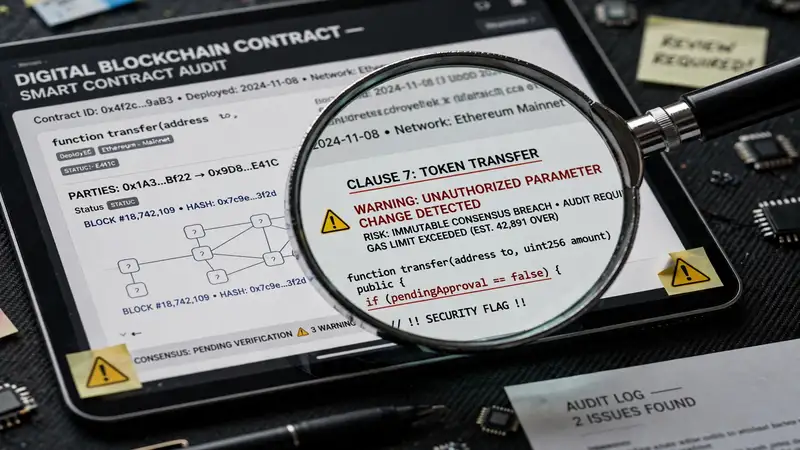
A honeypot is a token programmed to let you buy but never sell. You send your money in, the price appears to rise, but when you try to cash out, the transaction fails. Your funds are trapped. Honeypots are the cruelest common scam because everything looks normal until you try to exit. An automated contract scan can detect the code patterns that block selling.
Watch the buy and sell tax
Many tokens charge a small tax on each trade, which can fund development or marketing. That is normal up to a few percent. But scam tokens set the sell tax to 50%, 80%, or even 99% — so you technically can sell, but you receive almost nothing. Always check both the buy tax and the sell tax separately; some scams keep the buy tax low to lure you in and hide the real cost on the sell side.
Who controls the contract?
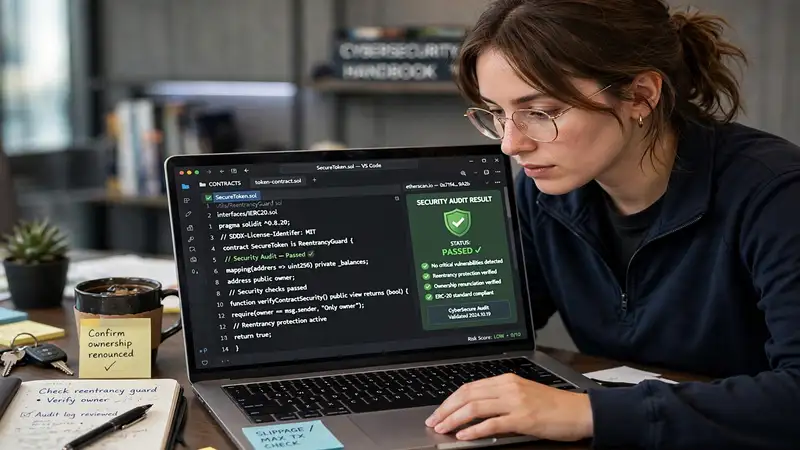
If a single wallet can change the contract’s rules, mint new tokens, pause trading, or block specific addresses, that wallet’s owner holds your money hostage. Legitimate projects often renounce ownership (permanently giving up control) or lock control behind a transparent governance process. Be especially careful with tokens where the owner can mint unlimited new supply — your share can be diluted to nothing overnight.
Is the liquidity locked?
For a token to trade, its creators must deposit it into a liquidity pool on a decentralized exchange. A rug pull happens when the creators suddenly withdraw that liquidity, making the token worthless instantly. Locked liquidity — where the pool funds are time-locked in a smart contract — makes this much harder. Unlocked liquidity on a brand-new token is one of the strongest danger signals.
Use the free Token Safety Checker
Reading contract code yourself takes expert knowledge. Our Token Safety Checker does it for you: paste any token’s contract address, pick its network, and get an instant scan of ten warning signs — honeypot code, taxes, ownership, minting, upgradeable contracts, code verification, blacklist functions, pausable transfers, liquidity locks, and holder concentration. Each check comes with a plain-English explanation of what it means.
What no checker can promise
Be honest with yourself about the limits. A clean scan means no technical warning signs were found — it does not mean the price will go up, the team is honest, or the project will succeed. Scammers constantly invent new tricks, and even legitimate tokens can lose value. Use the checker as one layer of defense, alongside researching the team, reading the project’s documentation, and never investing more than you can afford to lose.
Frequently Asked Questions
Can a safety checker guarantee a token is safe—legit or scam?
No. It scans for technical warning signs in the contract code, but it cannot verify the team’s honesty or predict price moves. Treat it as one layer of defense, not a final verdict.
Where do I find a token’s real contract address?
From the project’s official website, CoinGecko, or CoinMarketCap. Never trust an address pasted in a random chat message or DM — scammers create fake tokens with identical names.
What is a honeypot token?
A token programmed to let you buy but block selling, so your money is trapped. The price may look like it is rising, but you can never cash out.
Why do some legitimate tokens show warnings?
Centralized stablecoins like USDT can mint tokens or pause transfers by design — those are compliance features, not scams. The checker explains each finding so you can judge the context.